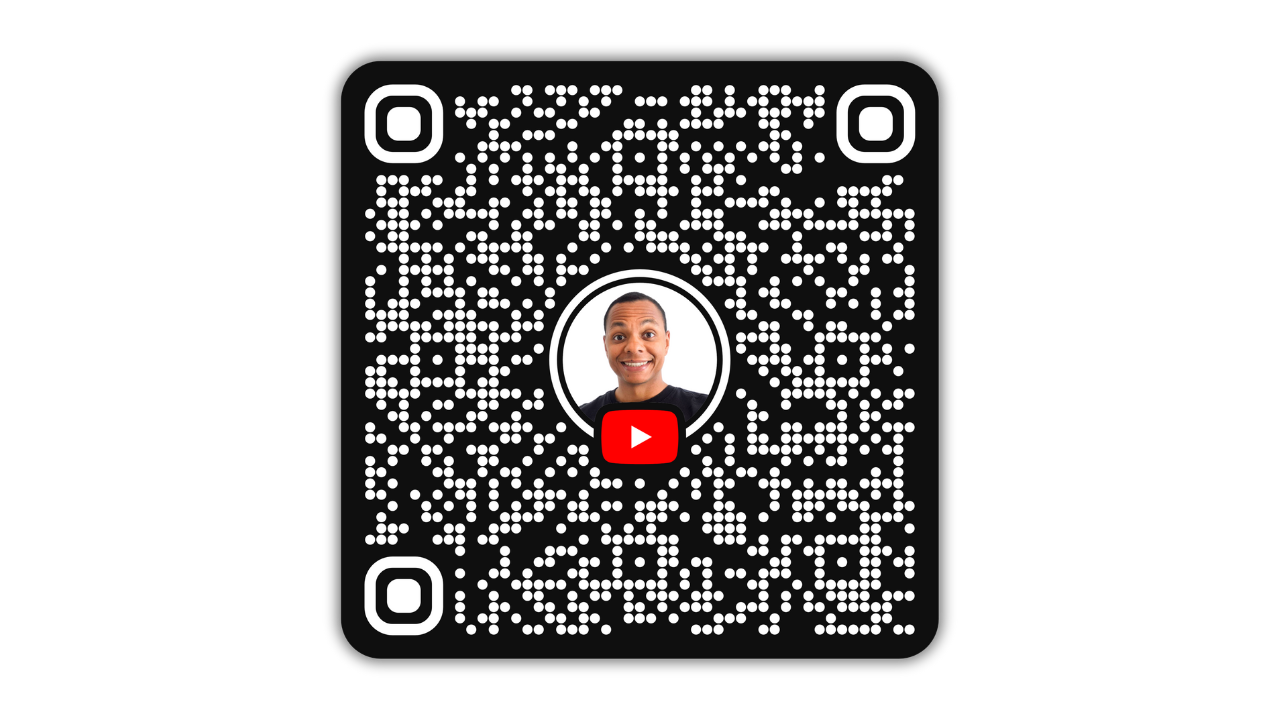

Generate your own YouTube channel QR code
It is now possible to generate a QR code for your YouTube channel. On your mobile device, go to your YouTube channel and click on “Share.” Here, you will find the “QR Code” button. By clicking on it, YouTube will generate a QR code that links to your channel. This QR code also includes a picture, which is your current YouTube channel profile picture.
What your channel QR code will look like
This is an example of how my YouTube’s channel QR code looks like:
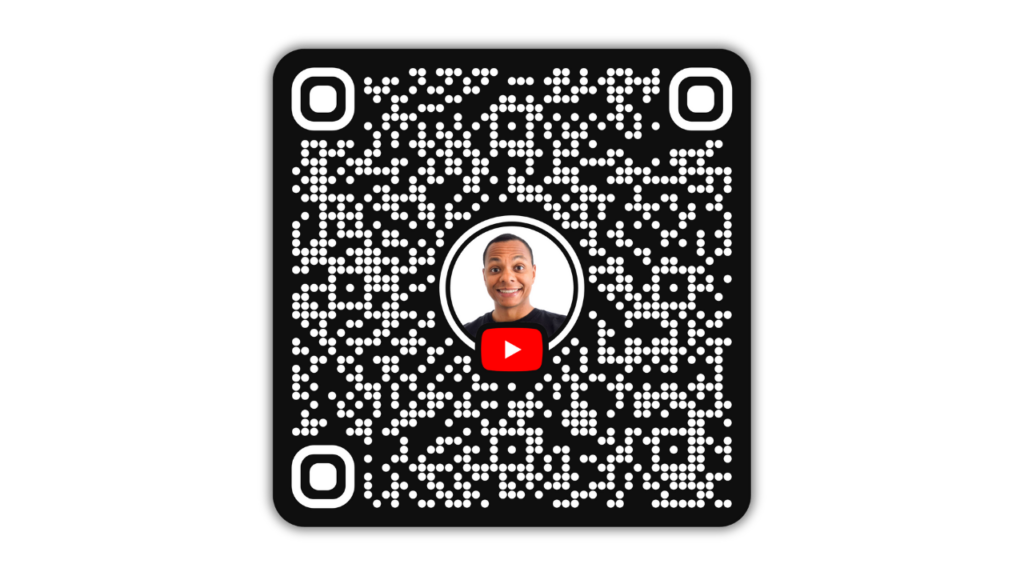
If people scan this QR code they will be directed to my youtube channel.
Where to share your YouTube channel’s QR Code?
You can share your YouTube channel QR code in a variety of places to reach a wider audience. Here are some ideas:
- Social Media Platforms: Post it on Instagram, Facebook, Twitter, LinkedIn, or TikTok to attract followers to your channel.
- Email Signatures: Add the QR code to your email signature for easy access by anyone you communicate with.
- Business Cards: Include it on physical or digital business cards to help people find your channel easily.
- Flyers and Posters: Use it in promotional materials, both online and offline, like posters, brochures, or event flyers.
- Website or Blog: Display the QR code on your personal or business website, or on any blogs you manage.
- Physical Products: Add it to packaging, merchandise, or product inserts to promote your channel directly to your customers.
- Presentations and Slides: Include it in PowerPoint presentations or keynote speeches to drive engagement during events.
- Community Events: Print and display the QR code at booths, exhibitions, or networking events for quick access.
Sharing it in these places can help drive traffic to your YouTube channel efficiently.